


Document Reader & PDF Editor
2.63.00 Reviews
App Specs
- Version
- 1.1.0
- Updated On
- License
- Free
- Downloads
- 10,000+
- Developer
- AymanA
- Categories
- Productivity
- Platform
- Android
Screenshots
 Analysis by AppCompare
I usually choose a document app for one simple reason: I need to open a file without turning my phone into a project. Document Reader & PDF Editor sounds aimed at that everyday need, but I’d approach it as a practical reader to try, not as a proven replacement for a dedicated office suite. It’s a free productivity app from AymanA, and its broad document focus may suit someone who wants one place to start when a file arrives unexpectedly.
What free access does—and does not—tell you
The app is free to download, which makes trying it a low-commitment decision. That’s the clearest value point I can rely on: you can see whether it fits your routine without paying upfront. Free access alone, though, doesn’t tell me whether every tool is available without limits, so I wouldn’t plan an important workflow around a particular advanced feature until I had checked it in the app.
It has a 2.6 average from around a dozen ratings, so I’d be cautious about treating the positive-sounding claims in the published description as a guarantee of a smooth experience on every phone. The rating is a reason to test it with an ordinary, non-urgent document first. If it handles the files you actually use, that matters more than a broad promise of doing everything.
A sensible first test before relying on it
My first test would be a small, non-sensitive file that I can afford to reopen elsewhere. I’d check whether it appears in the app’s file browser, whether the text is readable at my preferred zoom, and whether returning to the document takes me back to a useful place. Then I’d try a second file with a different layout, such as a form or a document with several pages. That quick comparison can reveal more than opening a single familiar PDF.
I’d also make a copy before trying any edit. That is a useful habit with any mobile document tool, especially when the file matters, because it gives me a clean original if an edit is awkward or the finished copy is not what I intended. For a signature request, a travel document, or a work form, I’d keep the original in its existing folder and treat the app’s edited version as a separate working copy.
First Impressions and User Interface
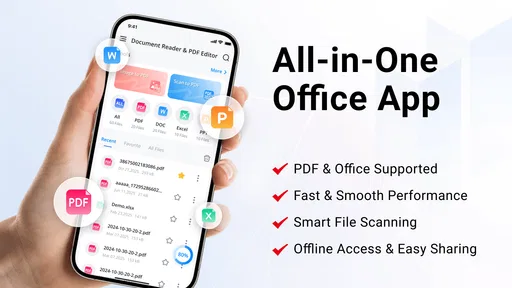
When you first open Document Reader & PDF Editor, you’re greeted with a clean and intuitive interface. No clutter, no fuss. It’s like the app knows you just want to get stuff done without wading through endless menus. The main screen offers quick access to your recent files and the ability to open new ones, which is super handy when you’re in a rush.
Features That Stand Out
Let’s talk features. This app isn’t just about reading PDFs. Oh no, it’s packed with a bunch of tools that make it a versatile companion.
Worth Reading Before You Choose

EA SPORTS FC Mobile 26 Is a Bigger Football Game, but It Takes Time

Flipboard Shows What News Apps Must Do Beyond the Feed

Switching to Android Auto Means Rethinking Your Driving Routine

Google Calendar Makes a Crowded Week Easier to Manage

Ludo King Makes the Most of the Minutes Between Plans

Baby Panda World Brings Quick Play to Modern Phones, but Its Game Library Feels Busy
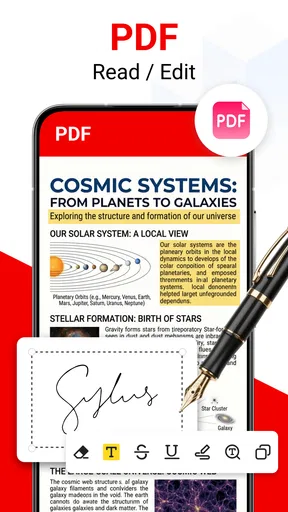
- Annotation Tools: Whether you need to highlight text, add notes, or even draw on your PDFs, this app has got you covered. The annotation tools are smooth and easy to use, making it a breeze to mark up documents on the go.
- Edit PDFs: Yes, you heard that right. You can edit PDFs directly from your phone. Add text, images, or even rearrange pages. It’s like having a mini office in your pocket.
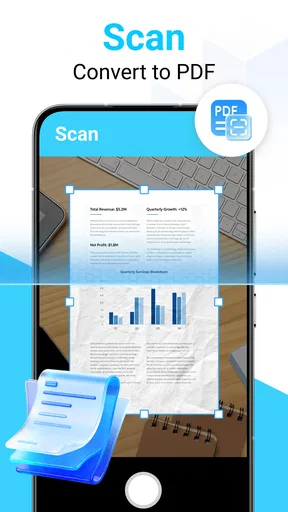
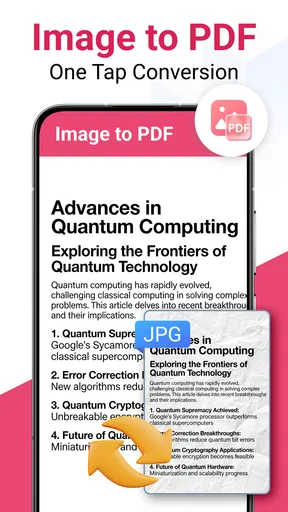
- File Conversion: Need to convert a PDF to Word or Excel? This app does that too. The conversion process is surprisingly quick, and the results are pretty accurate.
- Cloud Integration: You can easily sync your documents with popular cloud services like Google Drive and Dropbox. This makes accessing your files from anywhere a piece of cake.
A bundled approach is most helpful when I’m handling a one-off task: read a handout, mark a passage, then return to another app. Compared with a phone’s built-in PDF preview, a dedicated reader can be more convenient if I need to work with the document rather than simply glance at it. Compared with a full desktop editor, a phone is still a cramped place to revise long passages or carefully rework a complex layout. I’d use the mobile tools for quick corrections and comments, and move substantial editing to a larger screen.
For annotations, I’d keep marks purposeful: highlight only the lines I need to revisit and add short notes that make sense later. On a narrow display, broad drawing or dense comments can cover the text and make the page harder to read. If I’m sharing a marked-up document, I’d reopen the saved copy before sending it to check that the notes are legible and that I haven’t changed the wrong page.
Performance and Usability
In terms of performance, Document Reader & PDF Editor is smooth sailing. I’ve tested it with various file sizes, and it handles even hefty PDFs without a hitch. The app loads quickly, and navigating through documents is seamless. The developers have really nailed the balance between functionality and performance.
One thing I appreciate is the app's offline capabilities. You don’t need to be connected to the internet to view or edit your documents, which is a lifesaver for those times when you're on the move and want to conserve data.
Offline reading is particularly useful for a commuter or student who has already saved a document locally before leaving home. For example, I’d download a lecture handout while connected, open it on the bus, and note the section I want to ask about later. I’d avoid assuming that every related action works offline, though: a file stored in a cloud account may need to be made available on the device first, and any task that depends on an online service may behave differently without a connection.
For a practical routine, I’d use the recent-files area as a short-term return point, not as my only filing system. After finishing a document, I’d put the original and any edited copy somewhere I can recognize later, using a clear filename rather than relying on memory. This matters most when several forms or handouts have similar names; a quick rename can prevent a rushed edit to the wrong file.
The app is listed for Android devices running version 8.0 or later and is rated for Everyone. Its current release is 1.1.0, and it has passed 10,000 installs. Those details make it approachable for a broad range of Android users, but they don’t tell me how it will feel on a particular screen or with a particular file. I’d check compatibility on the device I plan to use and test one representative document before moving my regular workflow over.
Where I’d draw the line
The main trade-off is that the app’s all-in-one positioning can tempt me to expect a polished answer to every document task. Reading a page, making a quick note, and managing a complicated document are different jobs. If I need dependable collaboration, detailed layout control, or a carefully managed archive, I’d choose a tool designed around that specific need instead of assuming a mobile reader will cover it all.
I’d also separate convenience from trust. A document reader may be handy for routine files, but for confidential work or personal records I would first consider where the file is stored and whether the workflow meets my own privacy requirements. I wouldn’t move sensitive material into a new app simply because it is convenient, and I’d keep a backup before editing anything that would be difficult to replace.
Another useful boundary is accessibility and legibility. If I’m reviewing a long document, a phone screen can make sustained reading tiring even when the app opens the file correctly. I’d use the phone for a quick check, a short annotation, or a page I need while away from my desk; for hours of reading, a larger display or an accessibility-focused reader may be the better choice.
Who is likely to get the most from it?
I’d consider it if I regularly receive documents on my phone and want to try a free tool for basic reading and occasional file work. A student checking a handout, a commuter opening a saved form, or someone adding a quick note before a meeting has a clear reason to test it. It is less compelling for a person who only opens a PDF once in a while and is already satisfied with the viewer built into their phone.
It may also be the wrong fit if a task depends on a precise result: editing a contract, preparing a polished report, or converting a document whose layout must remain exact. For those jobs, I’d use a trusted desktop editor and inspect the final file there. The app’s convenience is most valuable when “good enough to handle this now” is the goal, not when the document needs extensive, predictable production work.
Final Thoughts
All in all, Document Reader & PDF Editor is a remarkable tool that has made managing PDFs on my phone a whole lot easier. Its comprehensive features, combined with a user-friendly interface, make it a must-have app for anyone dealing with documents regularly. Whether you’re a student, a professional, or just someone who occasionally needs to handle PDFs, this app is definitely worth checking out.
So, next time you’re in a pinch and need to handle a PDF on your phone, give Document Reader & PDF Editor a try. You might just find it becomes a permanent fixture in your app collection.
My verdict is to try it for a low-stakes task, then decide based on how it handles the actual documents you open. The modest rating means I wouldn’t make it my only document tool before testing it, while the free price makes a personal trial reasonable. If the workflow feels awkward or you need stronger control over complex files, switching to a familiar viewer or a dedicated editor is the sensible move. For quick access on Android, it’s worth a cautious look rather than an automatic recommendation.
Pros
- Supports various file formats seamlessly.
- Offers robust editing tools for PDFs.
- User-friendly interface with intuitive navigation.
- Fast document loading and processing speed.
- Secure with password protection options.
Cons
- Occasional ads in the free version.
- Limited cloud storage integration.
- Some features require in-app purchases.
- May crash with very large files.
- Lacks real-time collaboration features.
FAQs for Document Reader & PDF Editor
What file formats does Document Reader & PDF Editor support?
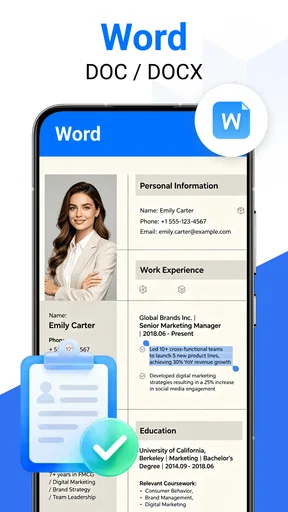
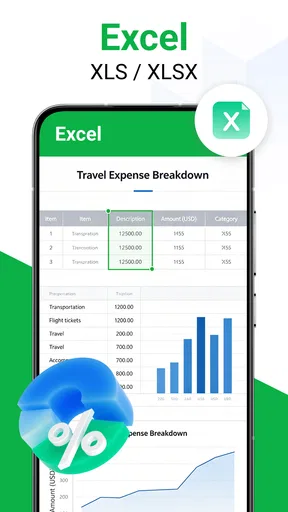
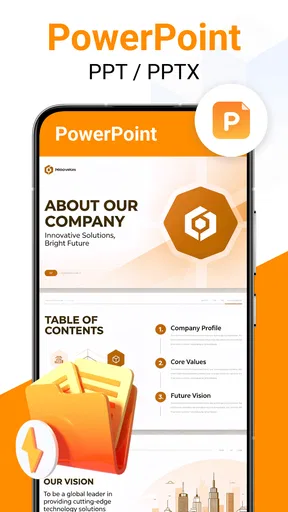
Document Reader & PDF Editor supports a wide range of formats including PDF, DOC, DOCX, XLS, XLSX, PPT, PPTX, TXT, and more. This versatility allows users to open and edit various document types without needing multiple apps, making it a convenient all-in-one solution for document management.
Is Document Reader & PDF Editor available offline?
Yes, Document Reader & PDF Editor can be used offline. Once downloaded, you can access and edit your documents without an internet connection. This feature is especially useful for those who frequently travel or find themselves in areas with unreliable internet access.
Can I annotate and highlight PDFs with this app?
Absolutely! Document Reader & PDF Editor offers robust annotation tools, allowing users to highlight text, add comments, and draw directly on PDFs. These features make it an excellent choice for students and professionals who need to mark up documents as part of their workflow.
Does Document Reader & PDF Editor support cloud integration?
Yes, the app supports integration with popular cloud services such as Google Drive, Dropbox, and OneDrive. This feature ensures that users can easily sync their documents across multiple devices, making document access and management seamless and efficient.
Is Document Reader & PDF Editor secure for handling sensitive documents?
Document Reader & PDF Editor includes security features such as password protection and encryption options to safeguard sensitive documents. Users can set passwords for opening and editing specific files, ensuring that only authorized individuals have access to confidential information.


